The Non-Technical Business Owner's Guide to AI in 2026
A plain-English guide to what AI actually is, what it can and cannot do, and how to start using it without getting overwhelmed or wasting money.
You don't need a tech degree to benefit from AI
AI is everywhere right now, and it can feel overwhelming. The jargon is thick, the tools are multiplying fast, and the pressure to "do something" is real.
Here's the honest truth: a mechanic doesn't need to understand combustion physics to drive a car. You don't need to understand how AI works to benefit from it. You just need a clear, practical picture of what it can actually do for your business and where to start.

Where AI adoption sits right now
of small businesses are now using AI in some capacity
of those say it has had a positive impact on their business
have AI fully embedded. Most businesses are still in the early stages, just like you.
Source: Goldman Sachs Small Business AI Survey, 2026
So… what actually is AI?
Think of it like this. Traditional software is a calculator that follows fixed rules. AI is more like a very well read assistant who has consumed millions of documents and can write, summarise, and answer questions based on everything they have absorbed. It is not thinking like a human. It is incredibly fast pattern matching. But the output can be genuinely useful.
The AI you will encounter most in business is called Generative AI: tools that create content such as text, images, and code from a simple written instruction.
What AI can actually do for your business
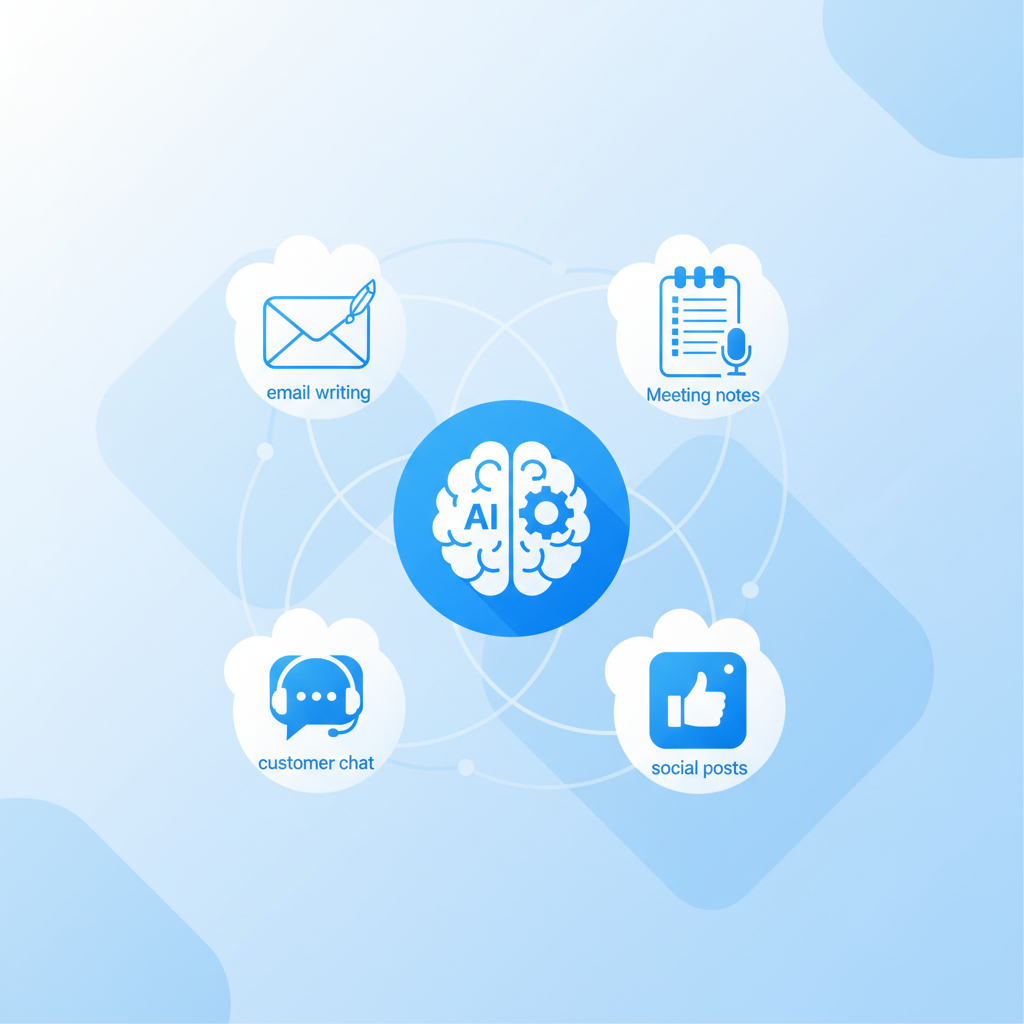
Workers save an average of 5.6 hours per week using AI. Managers save more than double that. Here's where that time comes from:
What AI cannot do (and where to be careful)
The hype around AI has led many business owners to overestimate what it can do. That overconfidence leads to costly mistakes. Here's an honest picture of the limits.
It can get facts wrong
AI sounds confident even when it's wrong. Always double check anything important before sending it to a client or making a business decision.
It cannot replace your judgment
For anything involving people, including hiring, pricing, and sensitive customer situations, use AI to inform your thinking, not replace it.
Your data isn't always private
Never enter sensitive client details, financial records, or confidential business info into a free public AI tool. That data may be used to train the AI.
It is not great at empathy
Customers still value real human warmth. Use AI to save time on the routine stuff, so you have more energy for the relationships that matter.
"AI can produce high-quality output. AI can save time. AI can assist real work. But AI still fails at three fundamental things: it cannot be accountable, it cannot guarantee truth, and it cannot understand consequences."
How to get started without getting overwhelmed
The biggest mistake is trying to do too much at once. Here's a simple, low-risk six-step approach that works even if you've never touched an AI tool before.

Find your biggest time drain
Don't try to do everything at once. Ask yourself: what task do I dread most each week? What's stealing hours from my day? Write down two or three answers. Those are your starting points.
Pick one tool to try
Match your problem to a tool. Spending too long writing? Try ChatGPT (free). Same customer questions over and over? Try a chatbot like Tidio. Losing meeting notes? Try Fireflies.ai. Sign up and spend a day exploring it.
Run a personal pilot
Use the tool on real tasks for two weeks. The more specific your instructions, the better the results. Instead of asking for a post, try asking for a friendly Instagram post for your café announcing the new Saturday brunch menu, under 80 words.
Set simple rules for your team
Before rolling AI out to your team, write a one page policy covering three things: what information is never allowed into AI tools, what must be human reviewed before sending, and which tools are approved for work use.
Train your team
Show your team how to use the tools, not just give them access. Explain clearly: AI is here to handle the boring stuff so you can do more of the good stuff. It is not replacing anyone.
Measure and expand
After 60 days, ask honestly: is this saving time? Is the output good? If yes, expand to another problem. If no, try a different tool. Build on what actually works.
Common myths, debunked
These are the things stopping most business owners from getting started. Here's the reality behind each one.
Most great AI tools have free plans or cost less than a streaming subscription. ChatGPT, Canva, Zapier, and Otter.ai are all free to start.
If you can type a sentence, you can use AI. The learning curve is genuinely much gentler than most people expect.
87% of small business owners say AI helps their team work better, not fewer. It handles the repetitive stuff so people can do the meaningful stuff.
Most small businesses are still experimenting. Only 14% have AI fully embedded in their operations. Starting thoughtfully today puts you ahead of the curve.
6 golden rules for using AI safely
Ready to find your first AI win?
Our free AI Productivity Assessment asks you about your workflow and gives you a personalised action plan showing exactly where AI can save you time and money in your specific business.
Start Your Free Assessment